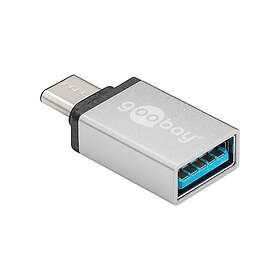
Best Adapters October 2026
Finding the right adapter ensures your devices connect seamlessly to older accessories, external monitors, and audio gear. This guide presents independently ranked adapters to help you compare connection types, build formats, and features. Use the overview below to pick the best match for your setup.
Last updated: 6 October 2026

Adapters: Top 5
1
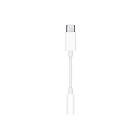
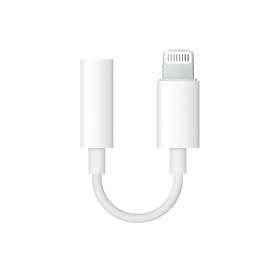
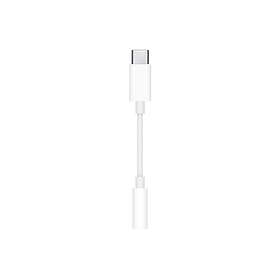
Apple USB-C to Headphone 3,5mm Jack Adapter M1204A
from £4.8010 stores
from £4.80
10 stores
2
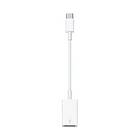
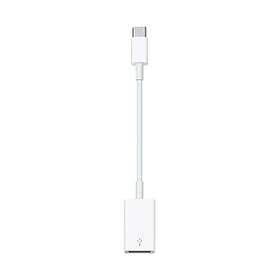
Apple USB-C to USB Adapter
from £16.4611 stores
from £16.46
11 stores
3
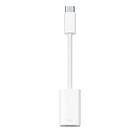
Apple USB-C till Lightning-adapter
from £15.739 stores
from £15.73
9 stores
4
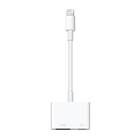
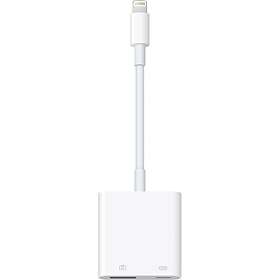
Apple Lightning Digital AV Adapter
from £13.9910 stores
from £13.99
10 stores
5
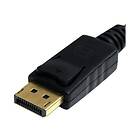
StarTech DisplayPort to VGA Adapter Video Converter - 1080P HD-15
from £9.998 stores
from £9.99
8 stores
This compact adapter connects standard 3.5 mm wired headphones to devices with a USB-C port. It features an integrated audio converter for clean sound output on iPads and laptops.



Pros
Compact dongle design
Standard 3.5 mm headphone connection
Built-in digital-to-analog converter
Cons
Reduced output volume on Android devices
No passthrough charging port
This adapter bridges traditional USB-A accessories with modern USB-C ports on laptops, tablets, and phones. It lets you plug in flash drives, cameras, and standard cables without replacing existing gear.


Pros
Connects standard USB-A accessories
Compact and lightweight dongle
Broad compatibility with USB-C ports
Cons
Only offers a single USB-A port
No extra ports for charging or video
This adapter connects legacy Lightning cables and accessories to devices equipped with USB-C ports. It provides charging, data transfer, and audio connectivity in a small dongle format.
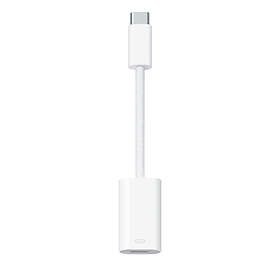

Pros
Connects Lightning gear to USB-C devices
Supports data and audio transfer
Compact and flexible cable design
Cons
Dedicated to Lightning accessories only
Single connector with no extra ports
This adapter outputs video from Lightning-equipped iPhones and iPads to external HDMI TVs and monitors. It also features a second Lightning port to keep your mobile device powered during presentations.
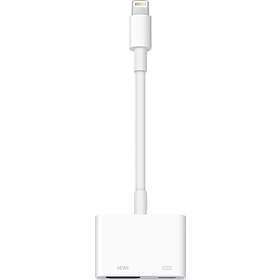
Pros
Outputs video to HDMI displays
Includes extra Lightning port for power
Works for photo slideshows and Keynote
Cons
Streaming services block video output
Higher price tier than basic audio adapters
This adapter connects DisplayPort-equipped desktop computers and laptops to legacy VGA monitors and projectors. It delivers reliable video conversion without requiring external power or additional software.
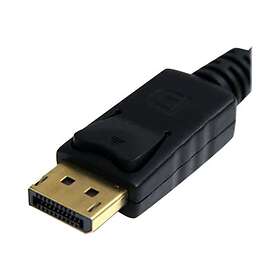


Pros
Connects DisplayPort to legacy VGA monitors
Compact plug-and-play design
Screw locks secure the VGA connection
Cons
Transmits video signal only, no audio
Converts one-way from DisplayPort to VGA
Compare specifications
| Contact gender | Male - Female | — | — | Male - Female | Male - Female |
|---|---|---|---|---|---|
| Connector A | USB A | USB A | Lightning | Lightning | VGA |
| Connector B | 3.5mm | — | — | HDMI | DisplayPort |
How we create the list
The ranking is updated monthly and is based on data we collect from our own platform. Products that rank highly are popular among our users while also maintaining high quality according to editorial expert assessments. Specifically, we weigh how many users follow the product via price alerts or lists, how it is rated by experts and users, as well as how much traffic it generates to stores and how well it is represented in retail. The texts on this page are AI-generated and created to give you a quick and clear overview. No products are paid placements – the ranking is driven solely by data.