Best Graphics Tablets October 2026
Explore our independently ranked selection of graphics tablets to compare key features, active surface sizes, and pen precision. Whether you are looking for a portable sketch pad or a large high-resolution pen display, this guide helps you find the right fit for your creative setup.
Last updated: 1 October 2026
The list is unchanged since the last update.

Graphics Tablets: Top 5
1
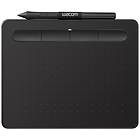
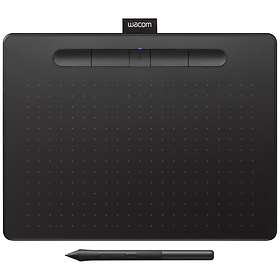
Wacom Intuos Small
from £47.649 stores
from £47.64
9 stores
2
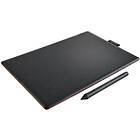
Wacom One by Wacom Medium
from £49.994 stores
from £49.99
4 stores
3
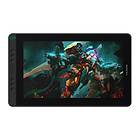
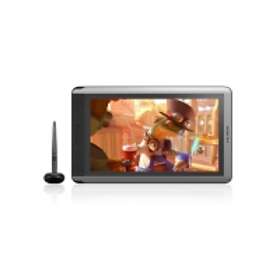
Huion Kamvas 13
from £179.995 stores
from £179.99
5 stores
4
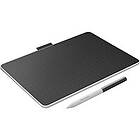
Wacom One Medium (2023)
from £97.548 stores
from £97.54
8 stores
5
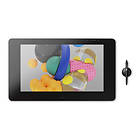
Wacom Cintiq Pro 24
from £1,559.993 stores
from £1,559.99
3 stores
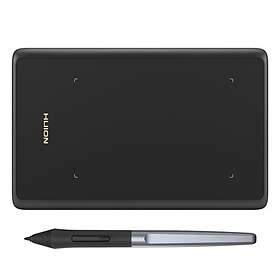
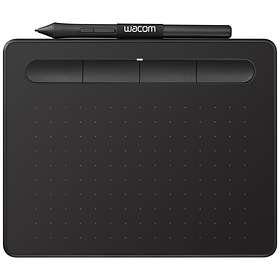
The Wacom Intuos Small is a highly portable drawing tablet featuring 4,096 levels of pressure sensitivity and wireless Bluetooth support. Its compact 7-inch active area makes it easy to slip into a laptop bag for digital drawing or editing on PC and Mac.



Pros
Lightweight build at only 230 g
Bluetooth and USB connectivity
4,096 levels of pressure sensitivity
Four customizable express buttons
Cons
Small A6 drawing surface
No built-in display screen
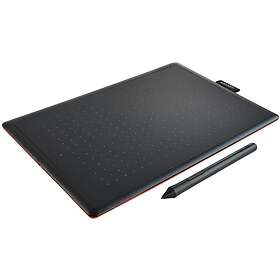
The Wacom One by Wacom Medium offers an expansive A5 active workspace for digital drawing, note-taking, and photo editing. It connects through USB or Bluetooth to give PC and Mac creators a straightforward drawing surface.

Pros
Spacious A5 drawing area
Bluetooth and USB support
Lightweight 436 g design
Cons
2,048 pressure levels is relatively low
Only two express buttons
No built-in screen
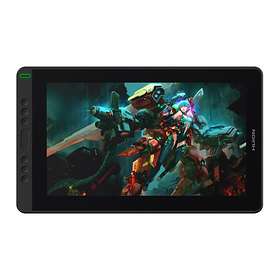
The Huion Kamvas 13 is an interactive pen display featuring a 13.3-inch Full HD screen that lets you draw directly on your digital canvas. It provides high precision with 8,192 pressure levels, a 5,080 lpi resolution, and eight programmable shortcut buttons.

Pros
Built-in 13.3-inch Full HD screen
8,192 levels of pressure sensitivity
Eight customizable shortcut buttons
High 5,080 lpi operating resolution
Cons
Weighs 980 g without battery support
Requires a cable connection to PC or Mac
The Wacom One Medium (2023) is a modern drawing tablet with an A5 working area and battery-powered wireless operation. With 4,096 pressure levels and an ultra-thin 8 mm profile, it offers a portable workspace for PC and Mac users.
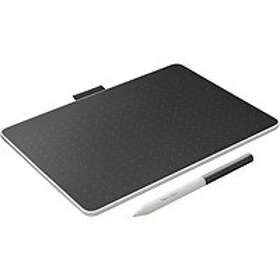
Pros
Battery-operated wireless capability
4,096 levels of pressure sensitivity
Slim 8 mm profile and 350 g weight
Bluetooth and USB connectivity
Cons
Only two shortcut buttons
Lower 2,000 lpi operating resolution
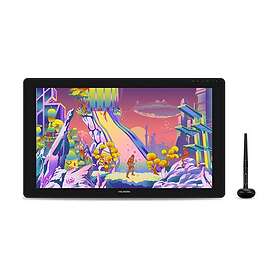
The Wacom Cintiq Pro 24 is a professional pen display featuring an expansive 23.6-inch 4K screen and 8,192 levels of pressure sensitivity. With 17 customizable buttons and versatile display inputs, it provides an immersive desktop setup for demanding creative projects.
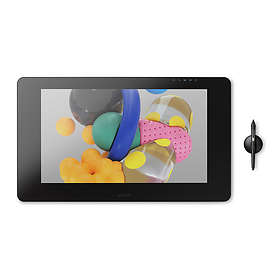
Pros
Large 23.6-inch 4K UHD display
8,192 levels of pressure sensitivity
Seventeen customizable buttons
DisplayPort, HDMI, and USB interfaces
Cons
Heavy 7,000 g desktop footprint
Requires substantial desk space
Compare specifications
| Interfaces | USB, Bluetooth | USB, Bluetooth | USB | USB, Bluetooth | USB, DisplayPort, HDMI |
|---|---|---|---|---|---|
| Built-in LCD screen | No | No | Yes | — | Yes |
| Size drawsurface | A6 | A5 | — | A5 | — |
| Size drawsurface (inch) | 7 inches | — | 13.3 inches | — | 23.6 inches |
How we create the list
The ranking is updated monthly and is based on data we collect from our own platform. Products that rank highly are popular among our users while also maintaining high quality according to editorial expert assessments. Specifically, we weigh how many users follow the product via price alerts or lists, how it is rated by experts and users, as well as how much traffic it generates to stores and how well it is represented in retail. The texts on this page are AI-generated and created to give you a quick and clear overview. No products are paid placements – the ranking is driven solely by data.