Best Laptop Docking Stations October 2026
Compare the top laptop docking stations to expand your workspace connectivity, display options, and power delivery. This independent guide highlights key specifications, pros, and cons to help you find the right hub for your setup.
Last updated: 6 October 2026

Laptop Docking Stations: Top 5
1
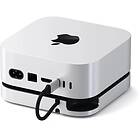
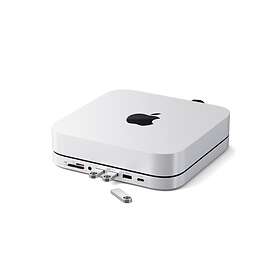
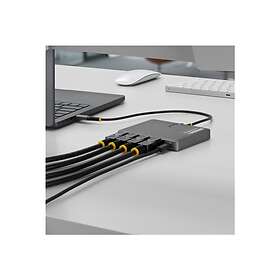
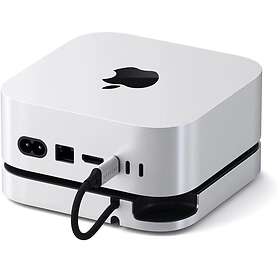
Satechi Mac Mini M4 Stand & Hub with SSD Enclosure
from £36.993 stores
from £36.99
3 stores
2
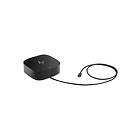
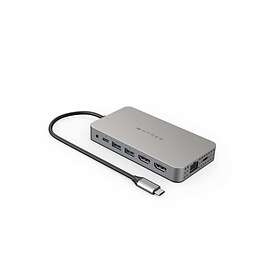
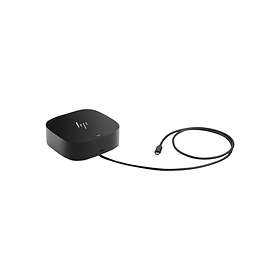
HP USB-C Dock G5
from £89.999 stores
from £89.99
9 stores
3
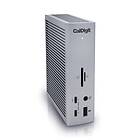
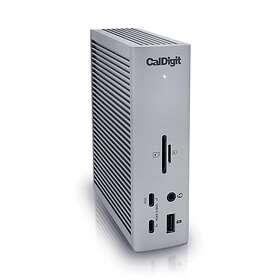
CalDigit Thunderbolt Station 4
from £369.983 stores
from £369.98
3 stores
4
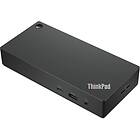
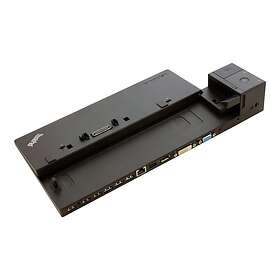
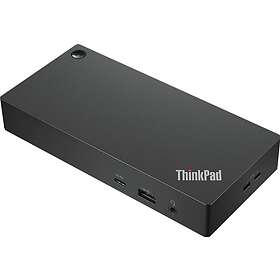
Lenovo ThinkPad Universal USB-C Dock
from £71.9913 stores
from £71.99
13 stores
5

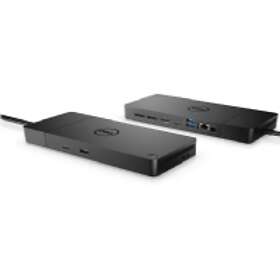
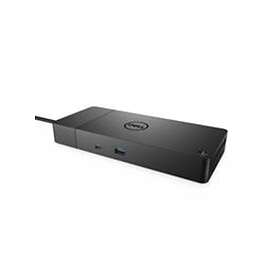
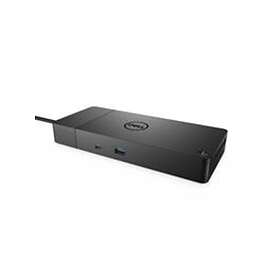
Dell Dock WD19S 180W
from £111.586 stores
from £111.58
6 stores
The Satechi Mac Mini M4 Stand & Hub sits neatly beneath compact computers to provide front-facing ports and extra storage. It includes SD card slots, USB 3.2 Gen 2 ports, and an integrated SSD enclosure. It is an ideal match for desktop-style setups needing easy-access connectivity.


Pros
Built-in SD and microSD card reader
Compact footprint at 192 g
Includes SSD enclosure slot
Cons
No built-in Ethernet port
Only 1 HDMI video output
The HP USB-C Dock G5 is a versatile workstation dock designed to drive multiple monitors via DisplayPort and HDMI. It delivers wired gigabit networking, audio connectivity, and power passthrough over a single USB-C cable. It fits well in multi-monitor office workstations running Windows.


Pros
Two DisplayPort and one HDMI output
Gigabit Ethernet network port
Supports USB Power Delivery
Cons
No integrated memory card reader
Dual extended monitors limited on macOS
The CalDigit Thunderbolt Station 4 offers expansive connectivity with Thunderbolt 4 speed and eight 10Gbps USB ports. It features high-speed 2.5Gbps Ethernet, front-facing audio jacks, and full-size plus micro SD card slots. It is built for demanding creative workflows and power users.

Pros
Fast 2.5 Gbit/s Ethernet port
Thunderbolt 4 with 8 USB 10Gbps ports
SD and microSD card reader built in
Cons
No direct HDMI video port
Premium tier investment
The Lenovo ThinkPad Universal USB-C Dock provides broad connectivity with six USB ports, gigabit Ethernet, and dual DisplayPort connections. It supports USB Power Delivery to charge your laptop while driving dual monitors and office peripherals. Its wide selection of ports makes it an adaptable hub for any business desk.

Pros
Six total USB ports available
Two DisplayPort and one HDMI output
Integrated 3.5 mm audio combo jack
Cons
No SD card reader included
Uses older DisplayPort 1.2a spec
The Dell Dock WD19S 180W provides heavy-duty power delivery and multiple high-bandwidth display outputs for demanding multi-screen setups. It comes with two DisplayPort 1.4 ports, one HDMI 2.0 port, and five USB connections. It is a dependable choice for workstations that require ample charging power.
Pros
Supports triple video output
Two DisplayPort 1.4 connections
Solid 180W power delivery support
Cons
No 3.5 mm audio jacks
No integrated memory card slots
Compare specifications
| HDMI | Yes | Yes | No | Yes | Yes |
|---|---|---|---|---|---|
| DVI | No | No | No | No | No |
| DisplayPort | Yes | Yes | Yes | Yes | Yes |
| USB 2.0 | 1 st | — | — | 2 st | — |
| Computer connection | USB Type-C | USB Type-C | Thunderbolt 4 | USB Type-C | USB Type-C |
| USB 3.1 Gen 1 (5 Gbps) | — | 2 pc. | — | — | 3 pc. |
How we create the list
The ranking is updated monthly and is based on data we collect from our own platform. Products that rank highly are popular among our users while also maintaining high quality according to editorial expert assessments. Specifically, we weigh how many users follow the product via price alerts or lists, how it is rated by experts and users, as well as how much traffic it generates to stores and how well it is represented in retail. The texts on this page are AI-generated and created to give you a quick and clear overview. No products are paid placements – the ranking is driven solely by data.